


🎬 Picked Design
What it does The studio How it works Pricing FAQ Contact
For YouTube creators & their designers

Paste a title.
Get a thumbnail that
looks like your channel.

Point it at any YouTube channel - your own, or the one you want to compete with - and Picked Design learns that thumbnail style, then makes a ready-to-upload thumbnail in it, plus seven title options and an SEO description. Ask for up to six at once when you want to choose between ideas. Everything a video needs to go live, from one line of text. Starting from zero is fine: borrow a proven look on day one.

See what it does

Private workspaces · your work stays yours · no design skills needed

Every thumbnail below was made with Picked Design - sport, finance, gaming, news, food, travel, stickman, history, faith, science, fitness, cars.

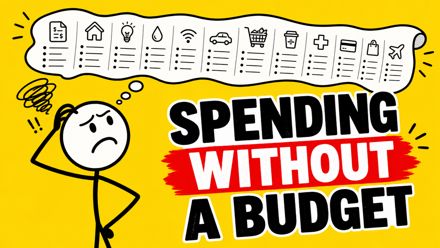
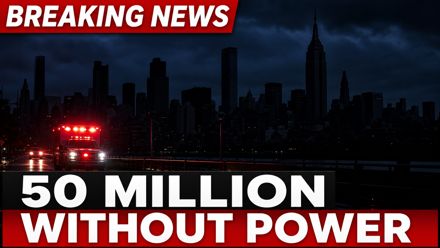
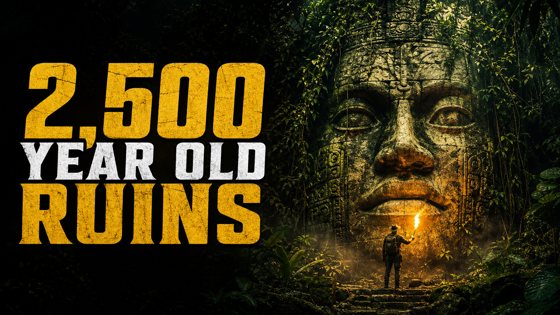
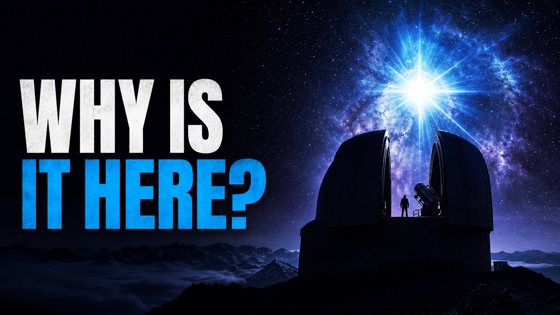
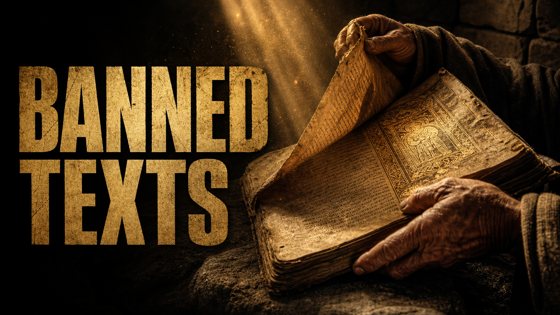
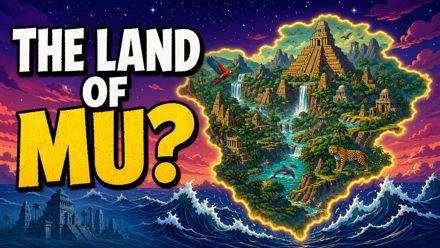
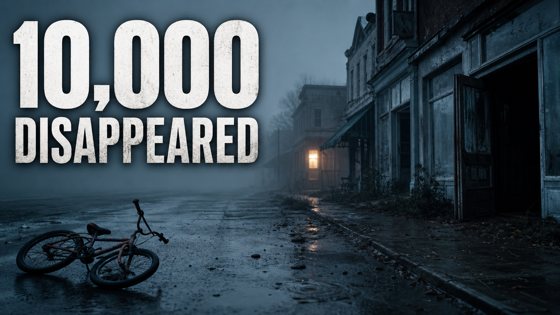
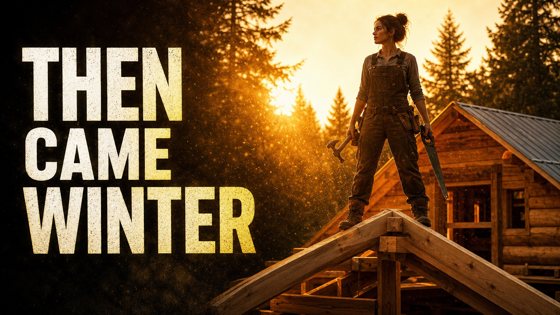
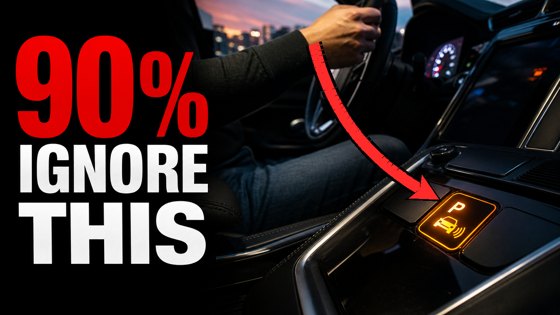
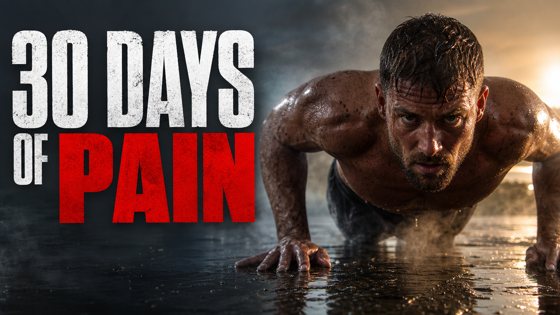
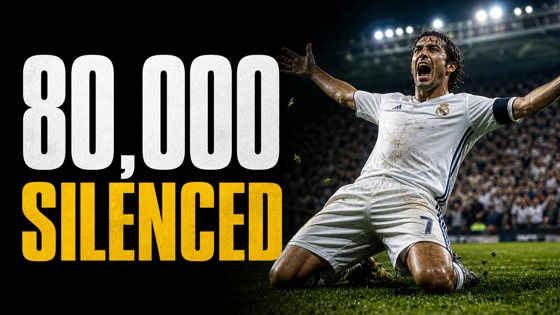
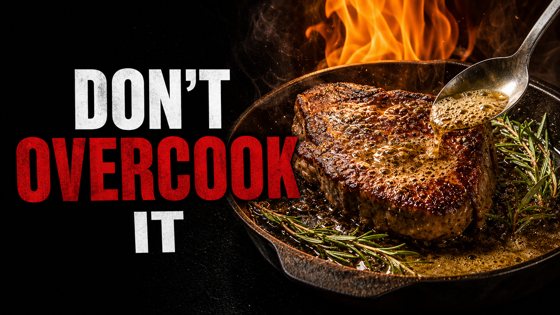
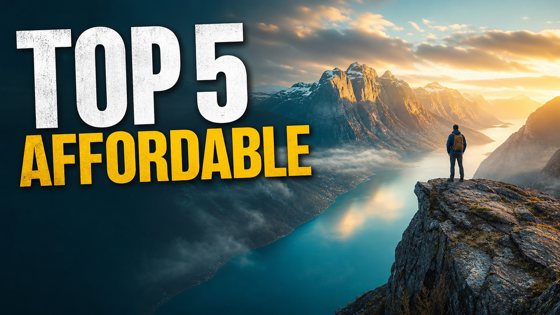
Thumbnail made with Picked Design for a finance channel: from $500 to $2.35 million Thumbnail made with Picked Design for a survival story: 438 days lost at sea Thumbnail made with Picked Design for a stickman animation: spending without a budget Thumbnail made with Picked Design for a breaking news report: 50 million without power Thumbnail made with Picked Design for a history channel: 2,500 year old ruins found in the Amazon Thumbnail made with Picked Design for a science channel: a star that should not exist Thumbnail made with Picked Design for a faith channel: banned texts cut from the Bible Thumbnail made with Picked Design for an illustrated story: the land of Mu Thumbnail made with Picked Design for a mystery channel: a town where 10,000 disappeared Thumbnail made with Picked Design for a build channel: a cabin built alone in 90 days Thumbnail made with Picked Design for a car channel: a red arrow pointing at the dashboard button 90% of drivers ignore Thumbnail made with Picked Design for a fitness channel: 30 days of Navy SEAL training Thumbnail made with Picked Design for a sports channel: the goal that silenced 80,000 fans Thumbnail made with Picked Design for a gaming channel: 15 settings fixes that win games Thumbnail made with Picked Design for a cooking channel: do not overcook your steak Thumbnail made with Picked Design for a travel channel: top 5 affordable countries

What it does

Seven things that usually take a designer an afternoon.

🎭

Copies any channel's style

Paste a channel URL - yours, a competitor's, or the biggest channel in your niche. It reads their recent thumbnails and designs yours in the same layout, colours and treatment: maps stay maps, portraits stay portraits. New channel with nothing to copy from? Borrow a proven format until you have your own.

👤

Finds the people for you

Name someone in your title and their photo is found and used automatically. Save the faces you use often and they come back every time, with the likeness you approved.

⚡

Writes text that earns clicks

Thumbnail hooks are built from real facts in your video - numbers, stakes, withheld answers - never limp filler like "EPIC BATTLE", and never a word repeated from your title.

➡

Points at what matters

Add a bold arrow in one click. It finds the person or the detail worth pointing at - never your own headline - and you can change the direction, colour and size without regenerating anything.

📜

Reads your script

Paste the script and the design, titles and description come from what the video actually says - the strongest moment in it, not a guess from the topic.

📊

Scores before you upload

Every thumbnail can be scored out of 100 on focal point, emotion, legibility, contrast and relevance - with one click to apply the top fix.

📝

Packages the whole video

Seven title options built on proven formats, an SEO description and tags - all grounded in what is already working for this topic on YouTube.

Inside the studio

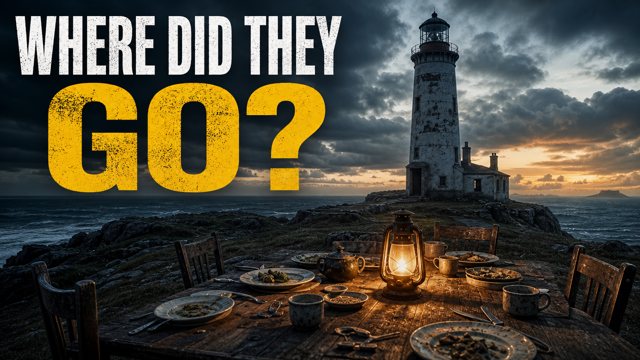
This is a real result: one title in, a scored thumbnail, seven titles and an SEO description out.

A generated thumbnail: Where did they go?
Variation 1 Score Size check New take Download
68 /100 click score
Focal 6 Emotion 7 Text 8 Contrast 6 Relevance 9
Fix: text could be clearer and more prominent; the image is a little cluttered.
Apply top fix
Chat edit: e.g. "center the face", "make the sky stormy"
7 title options
  • What Really Happened to the Flannan Isles Keepers?
  • How 3 Lighthouse Keepers Disappeared Into Thin Air
  • The Disappearance That Shocked a Nation: 3 Lighthouse Keepers
  • 5 Unnerving Facts About the Vanished Lighthouse Keepers
  • The Night the Keepers Disappeared (Flannan Isles)
SEO description

In a chilling tale of mystery and intrigue, discover what really happened to the lighthouse keepers who vanished without a trace on the Flannan Isles. Surrounded by fierce storms and isolation, their disappearance leaves many questions unanswered...

How it works

Three steps, about a minute.

1

Tell it about the video

Paste your title. Optionally add a sentence about what you want, or the whole script.

2

Pick the look

Choose your channel preset so it designs in your style, and decide who writes the headline - the AI, or you.

3

Download and upload

The finished thumbnail arrives, named after your video, with its score. Change it by typing what you want different, or ask for several at once and pick.

Pricing

Every plan is counted in thumbnails, because that is what you are buying. Edits, titles, SEO and idea checks come out of the same credits, and browsing is always free.

Loading plans...

What a credit buys

One price list, the same on every plan. Nothing is charged for work that fails or comes back refused.

What you doCredits

Questions

Do I need design skills?

No. If you can write a video title, you can use this. The design decisions - composition, lighting, text placement, colour - are made for you, and you can change any of them by typing a sentence.

Can other people see my work?

No. Every account is a private workspace: your generations, your saved people and your channel presets are visible only to you. The studio owner can view accounts for support. You may choose to share a channel preset with a team-mate or the whole team, but nothing is shared unless you share it.

I am just starting out and have no thumbnails yet. Can I still use it?

Yes - that is one of the best ways to use it. Paste the channel URL of a successful channel in your niche and the studio will design in that proven style with your topic, so your very first video looks like it belongs next to theirs. You can also browse the current top-performing thumbnails for your topic and pick which ones to design against. Nothing is copied outright: the layout, colours and energy are learned, the image is original.

What does it cost?

Plans start at $20 a month, and every one of them is priced per thumbnail - see Pricing for the current numbers, which come straight from the app rather than from copy somebody forgot to update. New accounts get free credits to try it with, and no card is asked for to sign up.

What is a credit?

The unit everything is priced in. A finished thumbnail - the picture plus the click score the app runs on it - is a few credits, an edit is about the same, and the title and SEO package is one. Browsing outliers, channels and your own saved work costs nothing. The exact list is on the Pricing section, and the cost of anything that spends is shown on the button before you click it.

Do unused credits roll over?

Plan credits reset on your renewal date, so they do not stack up month after month. Credits you buy as a top-up are different: those never expire and are spent only once the plan's credits for the month are gone.

Can I cancel, and what happens if I do?

Yes, from My account, in two clicks, with no email to write and nobody to talk to. The plan keeps working to the end of the period you have already paid for and is not charged again. Your account, your saved work and your channel presets stay as they are.

What if a design comes back refused or wrong?

Credits are taken after the work arrives, never before, so a refusal or a failure costs you nothing. If a design arrives but is not what you wanted, an edit or a new take is cheaper than starting again - and if something is genuinely broken, write to us from Get in touch and we will put the credits back.

What do you do with my data?

We collect what the app needs to work and nothing else, we do not sell it, and we do not train anything on your work. The specifics - what is stored, who it is sent to, and how long it is kept - are in Your data below.

How do I get an account?

Create one on the sign-in screen with your email address. Depending on the studio's settings you can either start straight away, or the owner approves your account first - you will see which after you sign up.

What are the thumbnails made with?

A current top-tier image model, generated at YouTube's native 1280x720 so nothing is ever cropped or cut off. Text can be baked into the image, or drawn by the app in crisp, editable type with per-line colours.

Can I use my own photos?

Yes. Upload a face or a sample thumbnail, paste a YouTube link to copy a video's format, or search for a public figure by name. There is also an exact-face mode that places your real photo into the design instead of redrawing it.

How do I learn to use it?

There is a Tutorials page inside the studio: short written guides to every part of it, with a video for each. There is also a Help button in the corner of every page - ask it anything about the app and it answers, and anything it cannot answer goes straight to a person. Both are free and neither costs credits.

Does it work on my phone?

Yes. The studio is a website - nothing to install - and the whole interface works on a phone, tablet or computer.

Who is behind it?

Picked Design, a studio running its own YouTube channels. This tool was built for our own designers first, and every feature exists because a real video needed it.

Your data

Plainly, because a privacy policy nobody can read is not a disclosure.

What we store

Your name, email address and a one-way hash of your password - never the password itself. Your plan, your credit balance and the dates they renew. The work you make: thumbnails, titles, descriptions, saved people and faces, channel presets, idea checks and outlines. A log of what you did and what it cost us, so we can answer "where did my credits go". Nothing else.

Who it is sent to

The AI engines that draw and write for you receive the words you type and any picture you upload as a reference, because that is the job. YouTube's public API receives the channel and video ids you ask about. Stripe handles payment and sees your email address - card details go to Stripe directly and never reach our server. Our mail provider sends you confirmation and password emails. That is the whole list, and none of them is given your data for their own marketing. Ask us and we will name any of them.

What we never do

We do not sell or rent your data. We do not show your work to other customers. We do not train any model on it. There are no advertising trackers on this site, and no analytics that follow you anywhere else.

How long it is kept, and getting rid of it

Your work stays in your workspace until you delete it - deleting is immediate and permanent. If you want the account itself removed, ask from Get in touch and we delete the account, its work and its saved people. We keep a short security record of sign-ins and account changes, and the credit ledger, because both are the only defence against a dispute.

Cookies

One, and it is the one that keeps you signed in. It is signed so it cannot be forged, it is not shared with anyone, and there are no advertising or tracking cookies to consent to.

Get in touch

Questions, access requests, or something not working - send a message and it comes straight to us.

🎬 Picked Design

AI thumbnails, titles and SEO for YouTube. Pricing · Your data · Contact · Sign in

🎬

Picked Design

AI thumbnails, titles & SEO for the team

Forgot your password?

Create an account Back to sign in

← Back to the site

MOCK MODE
Help
Send it to a person

We read every one. You will get a reply by email at the address on your account.

Or read the .

Research
Create
Library
Owner

Welcome - here is the 60-second path to your first thumbnail

1

Add a channel style

Paste a channel URL - your own, or a channel in your niche whose thumbnails already work. The app learns that look.

2

Paste your video title

One line is enough. Add a sentence about what you want, or the whole script, if you have it.

3

Generate and download

Your thumbnail, seven titles and an SEO description arrive together, scored so you know whether to upload it. Want options? Ask for up to six.

Already have a thumbnail? Score it and try new text on it

Upload it or paste its YouTube link, with its title in step 1. It gets the same click score and spelling check as a design made here; then Text ideas suggests other words for it and edits the one you pick in.

1
Channel & title
Pick the channel identity, then tell it what the video is

Add detail - optional: a scene to show, or the script
2
Thumbnail text
Who writes the headline - the AI in the image, or the app on top
3
References
All optional - faces, formats and proven winners to build from
👤 People
🎨 Format

A picked thumbnail copies its whole look. Switch it to Layout only to borrow just its composition - a shape that works in another niche - while your channel style keeps the look.

each one is a different concept, not a copy

Thumbnails

Line 1
Line 2
Line 3

7 Title Options

Pick one - it becomes the download filename.

SEO Description

Chapter labels from your script. YouTube only builds a chapter bar from real timestamps, so add your own times once the video is cut - the first one must be 00:00.

    Tags

    Outliers

    Videos breaking out on small channels, across every subject. Ranked by views against the channel's own subscriber count.

    Words in these titles that do better
    Used a lot, doing worse

    Only titles with

    Channels

    Add a channel to see the videos breaking out in its niche, then create video topics from those outliers and the channel's own winners.

    More

    Video topics for this channel Written from this channel's winners and the videos breaking out in its niche - each one names the video it is modelled on.

    Edit searches

    The searches this niche runs, one per line.

    Channel analysis

    Idea check

    Say what a channel would be about. This searches it the way a viewer would, reads what is actually winning, and says whether there is room for you - with the videos that prove it.

    A check searches the subject from five angles and takes about a minute. Go deeper searches fifteen and takes two or three, for an idea worth a closer look.

    Saved

    Breakouts you kept, with the numbers that made them worth keeping. Share one and the whole team sees it.

    Topics to make

    Tutorials

    Short guides to every part of the studio. Nothing here costs credits to read, and the Help button in the corner answers questions these do not.

    ➕ Add or change a tutorial

    Record the video on YouTube, paste its link here, and it appears on this page for everyone. The picture is loaded from YouTube; the player itself only loads if someone clicks it.

    Past Generations - every batch is kept automatically

    Activity Log

    TimeWhoActionTitleQualityEst. cost

    My account

    🔑 My password

    ✉ My email

    We send the new address a link. Your old one keeps working until you click it, so a typo cannot lock you out.

    ⚡ Plan and credits

    Credits are spent on anything that uses AI, and the cost is on the button before you click it. A thumbnail is the picture plus the score the app runs on it; edits, titles, SEO, idea checks and topics come out of the same credits, and browsing outliers, channels and your saved work is free. Plan credits reset on your renewal date; credits you buy as a top-up never expire.

    How it looks on YouTube

    Search result size

    Your Channel · 12K views · 2 hours ago

    Suggested sidebar size

    Your Channel